
Moving countries does not necessarily mean creating a new Telegram account. If you are permanently switching to a new number, Telegram provides a way to change the number within your existing profile. Its official FAQ says the normal process retains contacts, cloud messages and media, as well as Secret Chats on their respective devices.
Before changing anything, make sure you are authorized to manage the account and control the new number. If the trip is temporary and you keep your old number, Telegram says a trip alone does not require a change.
Changing a number and creating an account are different
| Scenario | What happens | What to check |
|---|---|---|
| Change the number in the current profile’s settings | You continue using the same account with a different number | Authority to change it, available verification and app warnings |
| Sign in to or create a separate profile on another number | You use a different account | Do not expect history to transfer automatically between profiles |
| Stay temporarily in another country | The number itself does not change | Whether you still control the linked number |
Country of residence, number country and connection location are different characteristics. Crossing a border or using another network does not itself change the Telegram number. Our account country guide explains the distinction.
Check these things first
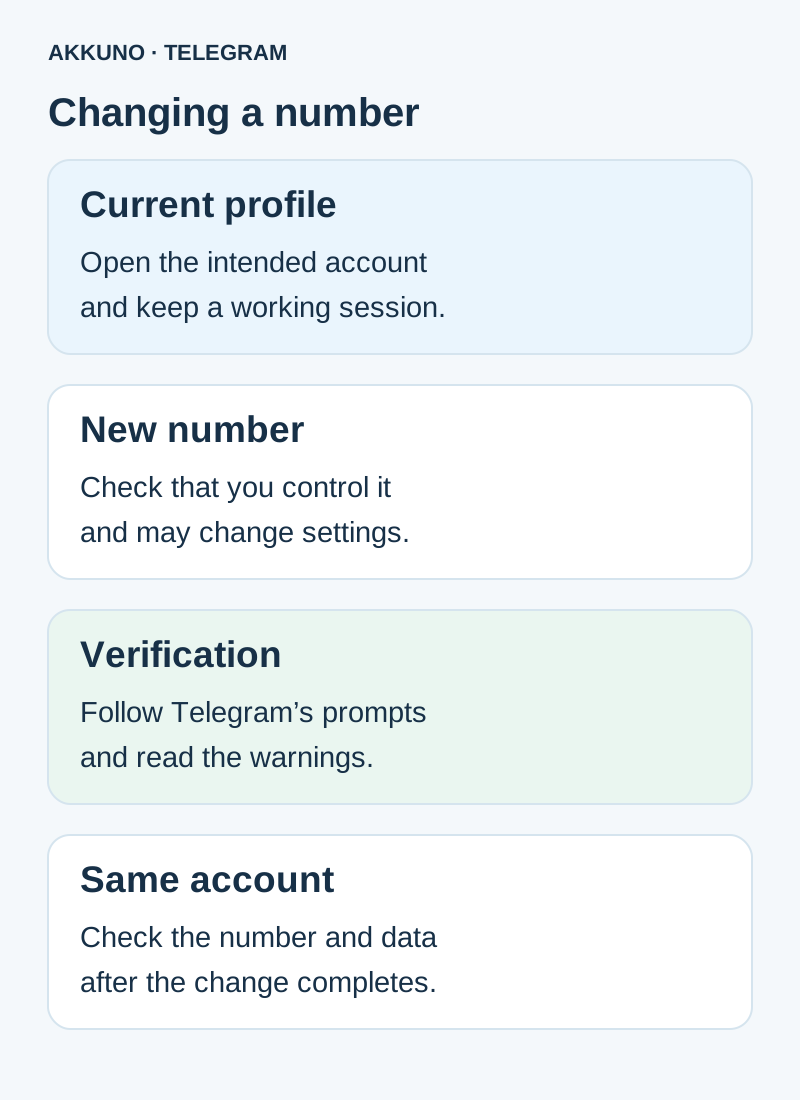
- Make sure the profile you want to keep is open and you are authorized to change its settings. Keep a working session.
- Check that you control the new number and can complete whatever verification Telegram offers. Method and availability depend on the app and situation.
- Review the current number, cloud password and other access conditions. If the old number is already unavailable, see our separate working-session guide.
- If the target number is already used by another Telegram account, stop and establish who owns that profile and what data it contains.
- Read Telegram’s warnings and the particular account terms. For a work profile follow organization rules; for a purchased package review the listing and order conditions.
Do not share verification codes, cloud passwords or session files. Seeing a number in a profile does not establish that you control it.
Start Telegram’s normal number-change process
In the open account, go to Settings, tap the current phone number and select Change Number. Telegram will show the operation’s description and required actions. Labels can vary by app version and language.
Check the new number carefully and follow Telegram’s current prompts to verify it. Do not assume SMS, a call or another method will be available in every case. If the app shows a restriction, waiting period or additional requirement, read it and avoid many repeated requests.
After completion, check the number in settings, the cloud chats you need and available devices. Keep a working session until you understand the conditions for future sign-in. Secret Chats are tied to their devices: logging out has separate consequences and is not required just to check a number change.
If the new number is already linked to another account
Telegram does not merge two profiles simply because you want to use one number. Its FAQ describes a restriction when another account already exists on the target number. The number may have been used by someone else, but the message alone does not establish who owns the profile or their rights.
Do not access another person’s account or delete their data. If the profile on the new number is actually yours, understand the irreversible consequences before considering deletion and confirm that it is the account you are entitled to manage. If ownership is unknown or disputed, contact Telegram support and the number’s carrier; a quick resolution cannot be promised.
If a device was only just signed in and Telegram will not permit the change, follow the app’s message and keep any earlier working session. There is no basis to promise one waiting period for everyone.
Subscription and privacy after the change
Telegram’s Premium FAQ says the subscription stays with the same account when its number changes; it does not transfer between different accounts. Check your payment provider’s status and terms, particularly if you change payment region. Our Premium guide explains accounts and devices.
After the change, review number-visibility settings and what Telegram displays during the operation. Do not assume old contacts automatically forget a number or that the new one is hidden from everyone: visibility depends on settings and information people already have. Do not post your number, codes or screenshots containing private information publicly.
If the account was obtained as a product
A number change may be unavailable or restricted by a particular offer. A working session or files do not themselves establish permission to change the number. Review the listing in the Telegram catalog and contact AKKUNO support if needed, providing the order number and your task without codes, passwords or session files. Buying a separate profile is not a required part of moving.
Frequently asked questions
Must I change my number for a temporary trip? No, if you continue to use and control the old number; Telegram does not change the link merely because you travel.
Will chats remain? Telegram describes retaining cloud data when changing the number of the same account normally. Secret Chats remain tied to their devices.
Can two accounts be merged? The normal number-change process changes one profile’s number; it is not an automatic merger of two profiles.
What if the target number is tied to someone else’s account? Do not try to access or delete their data. Contact official Telegram support and the carrier.
Sources and verification
- Telegram FAQ. Changing numbers and retaining data. Checked 10 November 2026.
- Telegram API. Verifying a new phone number. Checked 10 November 2026.
- Telegram Premium FAQ. Subscription after a number change. Checked 10 November 2026.


