
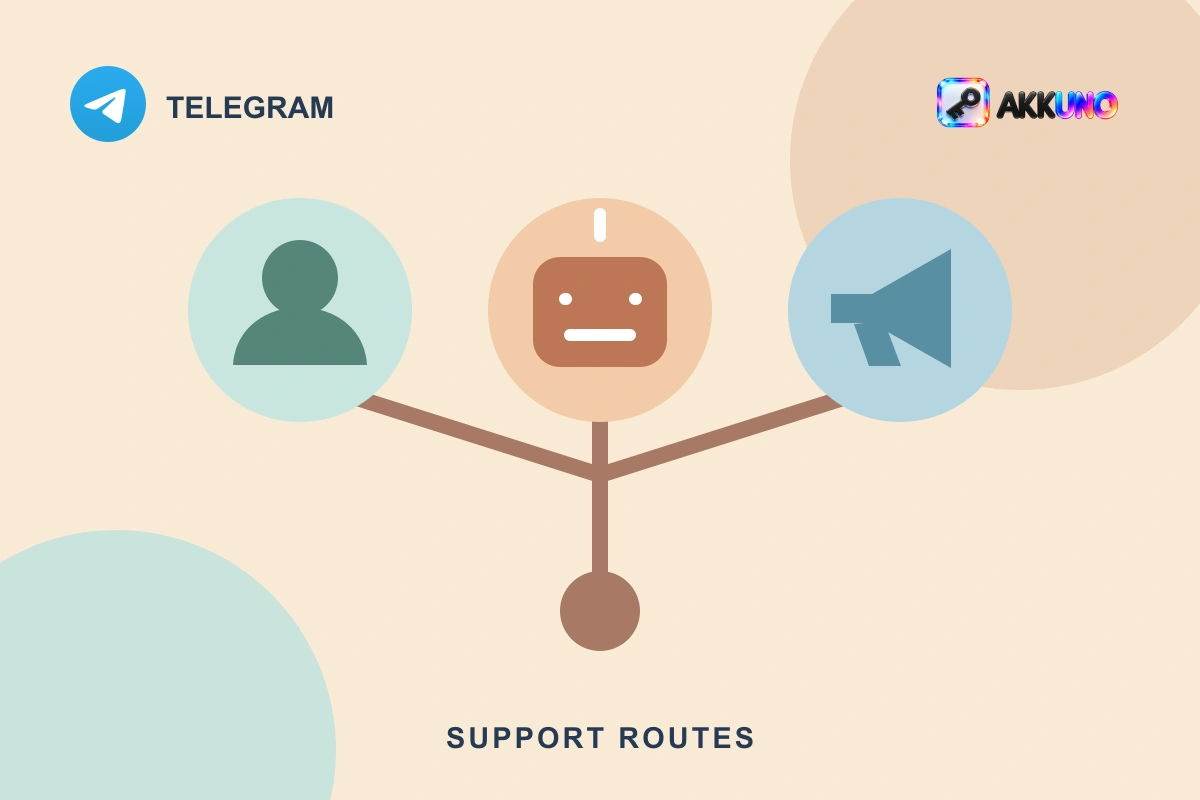
A business can communicate with customers on Telegram through a work account, a bot or a channel. Each has a different job: a person holds a private conversation from an account, a bot handles interactions according to its configured logic, and a channel publishes updates to an audience. One business may need only an account; another may combine all three.
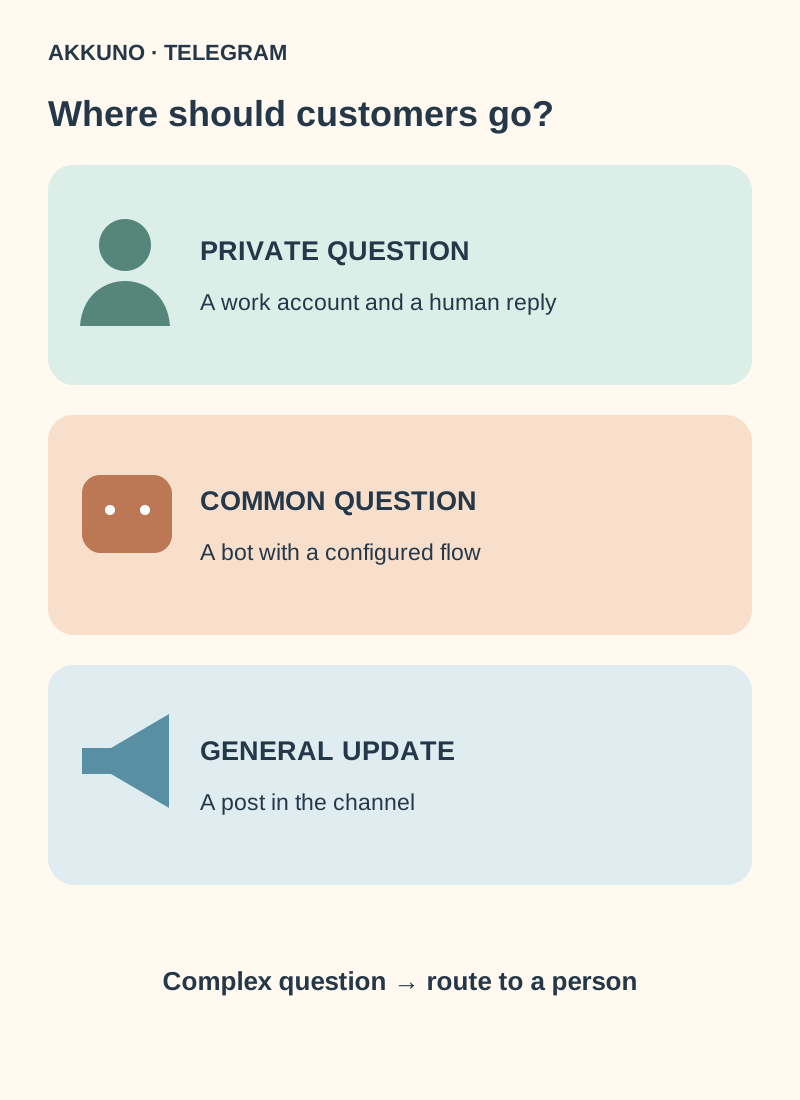
Choose based on the customer’s task: ask a private question, find a standard answer or receive a general update. Define where an inquiry goes and who owns it before adding automation.
Compare an account, bot and channel
| Task | Work account | Bot | Channel |
|---|---|---|---|
| Individual question | A person replies in a private chat | Software answers or routes the request according to its setup | Usually needs a separate support contact |
| Repeated questions | A staff member selects a template | Menus and automated flows can be configured | A general guide is available to subscribers |
| Audience updates | Not intended for posting in the channel’s name | Capabilities depend on implementation | Posts appear in the channel’s name |
| Multiple employees | Clear access and hand-off rules are needed | Routing depends on implementation or an external system | Administrators receive assigned permissions |
When a work account is enough
An account works well for a small volume of questions that need a personal response: a specialist’s consultation, clarification of an order or an unusual problem. The customer writes to the profile and a staff member replies privately. A separate work profile can keep those conversations apart from personal chats, but it is not always necessary: first decide whether an existing profile fits the job.
For repeated answers, Telegram Business offers built-in tools when they are available to that particular account. A person selects a quick reply; a greeting or away message follows configured conditions. See our Telegram Business setup guide for the steps.
If several people respond, agree who takes each inquiry, how it is handed over and how it is closed. A profile alone does not guarantee assignment, a staff audit trail or a shared queue. Do not send login codes, passwords or session files to a team chat; use approved access methods and review active sessions.
When to use a bot
A bot can help when questions repeat and a menu is useful: for example, a customer can find delivery terms, read a guide or describe an issue. A bot is software, so its behaviour depends on its flow and implementation. Working automation requires development or a suitable external service; creating a bot does not automatically create a support team.
An ordinary bot cannot initiate a private conversation with an arbitrary person: the user must first interact with it. Provide a clear start button and explain what information will be requested. Do not collect passwords, login codes or session files. Treat the bot token as a secret and restrict access to integrations.
Provide a route to a person for difficult cases. The bot might display an operator contact or pass the question through a deliberately configured integration. Handoffs, queues, conversation history and assignment are not automatic: check the chosen solution. A bot connected to a Business account is a separate arrangement that operates within granted permissions; check current Telegram documentation and the provider’s terms.
When to use a channel
A channel suits updates shared with an audience: changed opening hours, new guides or service status. Posts appear under the channel’s name, and appointed administrators can help manage it. This makes one-to-many publishing useful, but a channel alone is not a private support line.
A discussion group can be linked to a channel, making comments available under posts. Comments are a discussion, not a private operator chat. Do not ask customers to post order references, contact details or secrets there; provide a separate protected route for private matters. Our channel administrator guide explains employee permissions.
Three practical setups
- Independent specialist. Questions are few and each case differs: start with a work account and clear response hours. A bot and a channel are optional.
- Store with recurring questions. A work account handles unusual requests; a bot helps people find standard answers and offers a human contact. Decide who monitors issues the bot cannot resolve.
- Team with regular updates. A channel carries general announcements, while a separate account or bot receives private questions. Give administrators only the permissions they need and assign owners for publishing and support.
These are illustrative examples: actual hours, response times and workflows depend on your team. Test a fictional request: is it clear where to write, who will answer and what happens if automation does not help?
A launch checklist
- Separate individual questions, repeated requests and audience announcements. Choose a primary route for each.
- Assign an owner and a backup contact. Agree on working hours and handoffs between staff.
- Review administrator permissions, privacy settings and token security. Never request secrets in public discussions.
- If using an external service, review its permissions, data storage, access revocation and human handoff.
- With a colleague’s agreement, test the customer journey: open the channel, start the bot or message the profile and check the actual response.
If a separate human profile is justified for an independent work function, compare the listed characteristics in the Telegram catalog. Ask AKKUNO support about the contents of a particular delivery: buying a profile does not itself create a bot, a channel or a configured team-support workflow.
Frequently asked questions
Can a bot message a customer first? In an ordinary private chat, the user must first interact with the bot. Do not assume it can message arbitrary people.
Can a channel answer individual questions? A channel publishes to an audience. Give customers an account or bot for individual help; comments in a linked discussion group are not a private chat.
Do I have to buy a separate account? No. If an existing profile fits the task and your team’s rules, a separate profile may be unnecessary.
Does a bot automatically assign conversations to staff? Only if that capability exists and is configured in the particular implementation or external system.
Sources and verification
- Telegram. Channels FAQ and linked discussions. Reviewed 10 November 2026.
- Telegram. Bot tutorial and Telegram Business documentation. Reviewed 10 November 2026.


