
A Telegram export saves selected data to a folder on your computer, such as messages from a cloud chat and available attachments. You can read that archive without signing in, but it is not a backup login method. If you lose account access, the export alone will not restore authorization or put the conversation back into the app.
This guide covers two export routes in Telegram Desktop, how to check the result, and a separate plan for retaining access. Menu names and available options can differ by version.
What an export does and does not do
| Your goal | Approach | Limitation |
|---|---|---|
| Read a saved conversation | Export a cloud chat as HTML | It is a copy of selected, available data at export time |
| Process data with software | Export as JSON | You may need a program to read and analyze it |
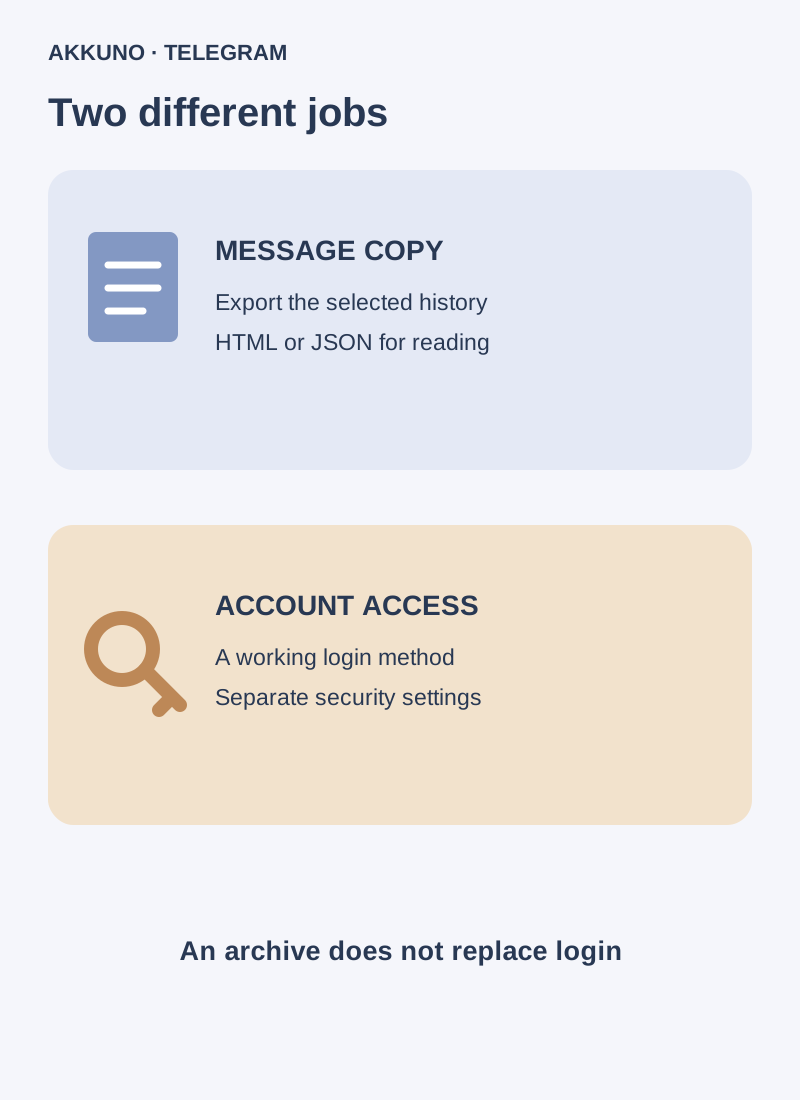
| Sign in again | Maintain a working login method and security settings | A message archive does not replace a code, password or another available login method |
| Put the export back in the original chat | Do not rely on built-in restoration from an export | HTML and JSON are intended for saving and reading, not guaranteed reimport |
Before you export
You need a computer with the official Telegram Desktop application, an accessible account and enough disk space. Check the selected profile: if you use several accounts, an export from one does not include the others. Cloud history syncs to available devices, but a local archive does not update itself. Export again to include newer messages.
Decide whether you need available account data or one conversation. Review the date range, categories and file-size limit: large videos or documents may be absent if settings exclude them. Options depend on the application version and export type.
Export only data you are entitled to retain, and consider the privacy of the other participants. Use a personal or organization-managed computer, restrict access to the folder, and do not upload an archive to an unverified analysis service. On a shared device, decide in advance who can open the copy.
Export one chat
- Open Telegram Desktop and switch to the intended account.
- Open the cloud chat and its three-dot menu. Select Export chat history if it is available in your version.
- Select the media categories, date range and file-size limits you need when offered. Choose a format and destination folder.
- Start the export and wait for completion. Do not treat the copy as ready until the application reports that it has finished.
- Open the resulting folder and check the beginning and end of the required period, plus several attachments. Keep related files together so media references continue to work.
For a readable archive, HTML is convenient to view in a browser. JSON is structured data for software; presentation and processing depend on the tool. Neither format guarantees inclusion of excluded media or messages that are no longer available.
Export account data
- In Telegram Desktop open Settings → Advanced → Export Telegram Data. Labels can vary by version.
- Review the categories offered, including available chat types and media. Do not assume every item you need is selected by default.
- Choose a format, folder and available limits. Check disk space, especially when including videos and documents.
- Start the export, wait until it finishes and open the result. Check several important chats and files rather than merely confirming that a folder exists.
- Record the export date and selected categories in a separate note without passwords or codes. Repeat exports at a schedule appropriate to your needs.
Why an export may fail or be incomplete
You recently signed in to Desktop. Telegram’s official support note describes a protection after a new login: you may need to wait 24 hours or confirm the request from another device. Conditions and interface can change. Follow the app’s prompt and do not sign out of a working session unnecessarily.
The export option is missing. Confirm that you are using the Telegram Desktop application rather than a browser version and that the right profile is active. Update the official client and check the menu and feature availability for that chat. Labels can differ.
Messages or media are missing. Review the date range, selected categories, file-size limit and available disk space. Try again with the intended settings. The export reflects available data and selected options; it does not promise to recover content absent from the available history.
You need a secret chat. Telegram describes secret chats as device-specific rather than cloud-based. Instructions for exporting cloud history from Desktop do not mean that a secret chat will be included. Do not delete the original session assuming that such an archive exists.
Prepare account access separately
A message archive and the ability to sign in are separate needs. While a working session is available, check the login methods available to that account and keep applicable recovery means under your control. A two-step verification password and its recovery are configured separately; do not store passwords and codes beside an openly accessible chat archive. Our guide to login codes and the cloud password explains the distinction.
If Telegram is open on your computer but you cannot sign in on another device, see our guide to moving access to a phone. Avoid ending the last working session until another login method has been verified.
Session files provide access to an authorized session and must be protected as secrets; they are not equivalent to a message archive or a guaranteed account recovery method. For questions about a particular delivery, contact AKKUNO support without sending codes, passwords or session files. If a separate task requires a new profile, compare its characteristics in the Telegram catalog.
Store and check the copy
Keep the complete export folder in protected storage with restricted access. For sensitive data, use encryption provided by your device or a trusted storage solution and keep the key separately. Test retrieval on an authorized device: can you open the HTML or JSON and access the necessary attachments? Remove outdated copies according to your retention policy. A folder’s existence alone does not prove that it is complete or available after a computer failure.
Frequently asked questions
Can I sign in to Telegram with HTML or JSON? No. An export saves data; it is not an authorization method.
Does the archive update automatically? No. It is a snapshot of selected, available data at export time. Export again for newer history.
Are secret chats included? Do not count on them being included in a Desktop cloud export. Telegram ties those chats to devices.
Can I restore the export into the same chat? Do not rely on built-in restoration of the original chat from HTML or JSON. Check what your version supports and maintain account access separately.
Sources and verification
- Telegram. Exporting data in Telegram Desktop. Reviewed 10 November 2026.
- Telegram. FAQ: cloud and secret chats. Reviewed 10 November 2026.


