
If Telegram says it sent a code to another device and you cannot open that session, first establish whether the same account is signed in somewhere you can access. Check an old phone, tablet, computer and other apps on the same device. Do not sign out of your only working session.
If no session is available, use only the options Telegram actually offers for your sign-in attempt. SMS, a call, email or a passkey does not automatically appear for everyone. Do not share codes or passwords with people promising to “recover” access.
What does the other-device message mean?
Telegram can send a login code to the Telegram service chat in another app where the same account is already signed in, instead of sending it to the phone number. Its official FAQ says this may even be another app on the same device. The message alone does not prove that a stranger owns a session or that the account was compromised.
Check that the number was entered correctly in international format. If you have several profiles, look for the account you are trying to access: a chat in another profile is not its session. The service chat for your Telegram account’s codes is different from the Verification Codes chat used for third-party services.
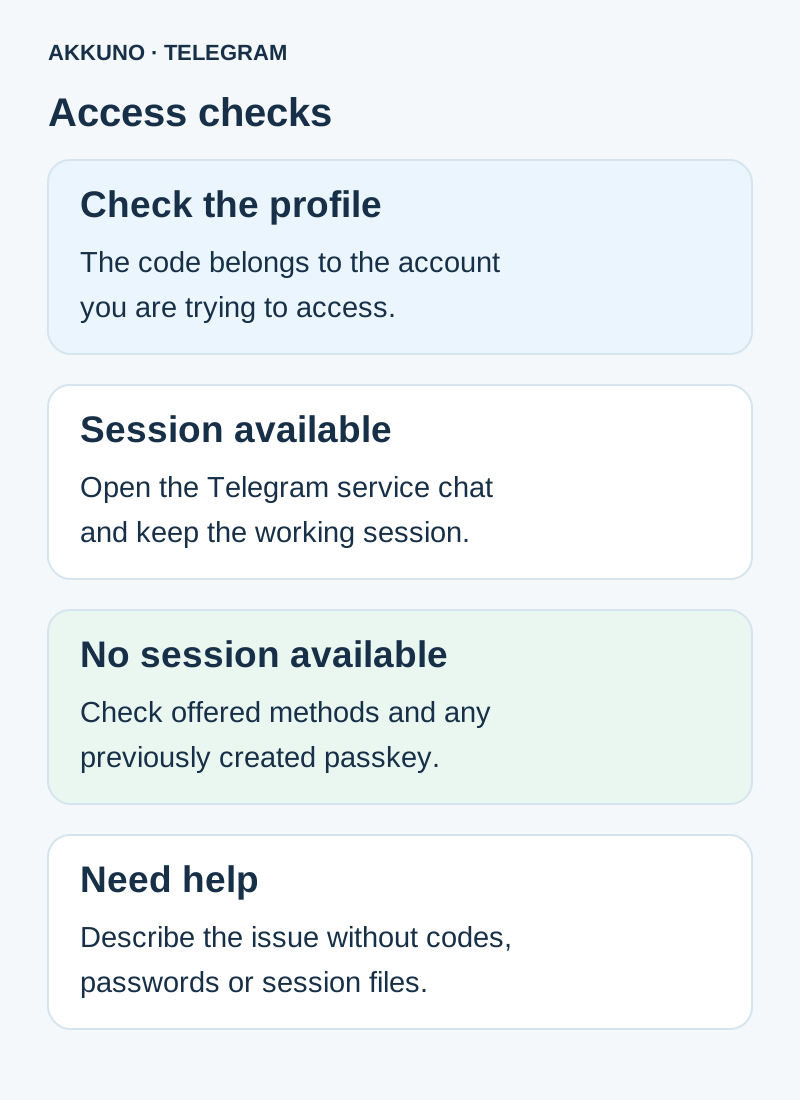
If you have a working session
- Open Telegram on the available device and switch to the intended profile. Check the service chat with the verified Telegram account.
- If the code arrives, use it only in your own sign-in window. Do not forward it to a seller, support representative or person in a chat.
- Follow the app’s subsequent prompts. If two-step verification is enabled, it may request the cloud password, which differs from the one-time code.
- Keep the old session until the new sign-in works and you understand the access conditions. Do not delete the app or terminate all sessions as a test.
If the account works on a computer but sign-in on a phone fails, see our computer-to-phone guide. A restriction on ending sessions is discussed separately.
If no session is available
| What you have | What to check | What cannot be guaranteed |
|---|---|---|
| The current sign-in screen | Available buttons and the offered verification method | That SMS or a call will appear |
| A previously created passkey | Whether the key is in your manager and supported by the client | That a key exists or replaces the cloud password |
| A number you control | Ability to receive messages and carrier conditions, if Telegram offers that channel | That the app will choose that channel for this attempt |
| Support | An error description and access conditions without secrets | Immediate account recovery |
If there is a button for another method, read what it offers now and follow the app’s instructions. A timer or button label does not mean every channel will be available. Avoid repeatedly requesting codes: if Telegram displays a limit or waiting period, respect it.
A previously configured passkey may help in a supported client if its key is available in your manager. You cannot create it retroactively from an inaccessible account, and a configured Telegram cloud password is still required. See the passkey guide.
Check the number and access terms
Seeing a number in a profile or product listing is not the same as controlling it. If you control the number, check that it is current and can receive messages with your carrier; this helps only for channels Telegram offers. If another person controls it or the terms are unclear, do not assume you can receive a code without checking the conditions.
For an account purchased from AKKUNO, review the package description, sign-in method and order support terms. Contact store support with the order number, client, device and error text, without secrets. Available options are in the Telegram catalog; actual capabilities depend on the listing and order terms.
When to contact Telegram support
If offered options are unavailable or fail, use Telegram’s official form for login problems. Provide the number in the format requested by the form, device, operating system and app version, time of the attempt and exact error text. Remove codes, private messages and payment details from any screenshot. Do not post that information in public discussions.
Telegram may request additional information through its official process, but nobody needs your login code, cloud password or session files. A support request does not guarantee a recovery time or outcome. Do not agree to an account reset before reading the warnings and understanding the consequences for your data.
Frequently asked questions
Why is Telegram not sending SMS immediately? In some cases it selects delivery to an already signed-in app. Available methods depend on the current attempt.
I have no other device. Does that prove a compromise? No. The message alone does not establish who owns a session or why the problem occurred.
Can a passkey help? Only if it was previously created, is available to you and is supported by the chosen client. A configured two-step verification password is still required.
Can support or an intermediary receive my code? Do not share codes or passwords with them. Use the official sign-in process and contact support without secrets.
Sources and verification
- Telegram FAQ. Code delivery and support. Checked 7 November 2026.
- Telegram API. Authorization and code delivery methods. Checked 7 November 2026.
- Telegram API. Passkeys and two-step verification. Checked 7 November 2026.


