
Yes. Telegram can automatically delete an account after a long period without use or coming online. As of 11 November 2026, Telegram’s FAQ and Privacy Policy state a default of 18 months. The period can be changed in settings, so check the value selected for the specific profile instead of relying on an old guide or a general default.
Account deletion is irreversible. If you manage several profiles, check each one separately and make sure you can still access the accounts you need.
How inactivity deletion works
Telegram describes self-destruction as deletion after a period during which the user does not come online. Settings let you choose an available period. The options and labels depend on the application and can change.
This setting applies to the account, not an individual message. A chat’s message auto-delete timer is a separate setting. Removing the app from a phone does not immediately delete the account either, although you could lose the ability to sign in and check the profile.
| Situation | What happens | What to check |
|---|---|---|
| Long inactivity | The account can be deleted after its selected period | The setting in each profile |
| Message auto-delete | A separate message timer applies to a chat | The particular chat’s setting |
| Signing out of a device | One session ends | Whether another working login method exists |
| Account restriction | Access or particular actions may be restricted | Telegram’s message and available support options |
Find and change the period
- Open an official Telegram client and switch to the profile you want to check.
- Go to Settings → Privacy and Security. Find the account deletion section and a control such as If Away For; the label depends on your language and version.
- Check the current value. To change it, select an option offered in your app and confirm the intended value is saved.
- Repeat for every work profile. Do not assume one account’s period applies to the others.
Do not select Delete Account Now if you only want to review the period. Read the app’s text before making changes: different actions may appear close together.
Telegram states a general default of 18 months, but older publications may show different values. The setting in your specific account and Telegram’s current information matter more than an old screenshot. Do not assume indefinite retention: if your client offers no option to disable the feature, do not treat it as disabled.
What counts as activity?
The official wording refers to the account coming online. To check a work profile, switch to it in an official app, confirm it is connected and accessible, and review its setting. You do not need to send a message merely for a check; avoid sending people test messages unnecessarily.
Do not assume that having the app installed, receiving a notification or using a different profile reliably updates the intended account’s activity. Telegram does not describe those cases as dependable confirmation. Do not rely on background processes or third-party activity simulators: actual access and the selected period matter.
For a team, assign an owner to each profile and set an internal reminder well ahead of the selected period. Record the check date and a contact for the owner, but not codes, passwords or session files. Our account register guide explains this workflow.
What happens after deletion?
According to Telegram, deleting the account removes its data, including cloud messages, media and contacts. Registering again creates a new account and does not restore the former history, contacts or groups. Do not assume the same phone number guarantees recovery.
Telegram also notes that contacts may retain their copies of messages you sent, and groups or channels you created may continue with their remaining administrators. Do not promise that deleting an account erases every copy of every conversation held by others.
If you need a work history, export available cloud chats in advance and check the copy. Our export guide explains why HTML or JSON can preserve a readable archive but cannot restore authorization or a deleted account.
Keep track of several profiles
- List the accounts your team is responsible for and assign an owner to each workflow.
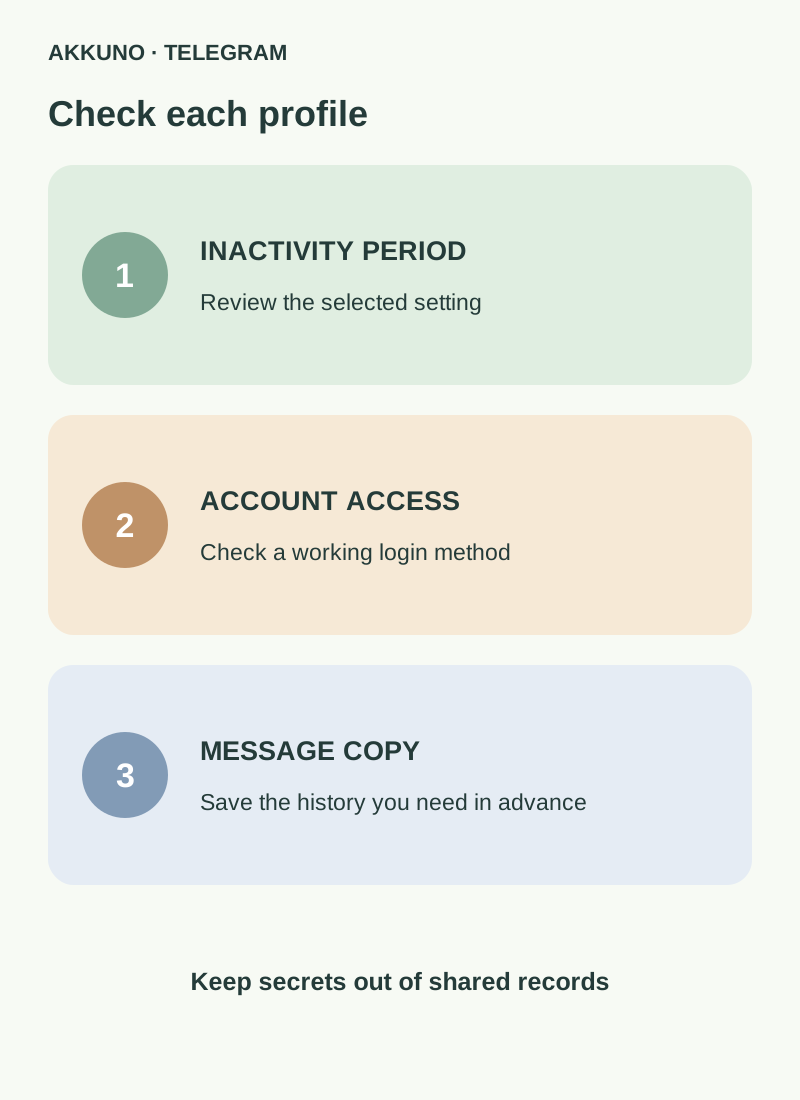
- For each profile, check access, the selected inactivity period and a suitable next review date with a safety margin.
- Make sure authorized people control the available login and recovery methods. Do not end the last working session until another method has been verified.
- If needed, retain an authorized copy of the history in protected storage and test several files.
- When responsibilities change, hand over ownership through your internal process and review active sessions. Do not put login codes or passwords in a shared spreadsheet.
If a work profile is already inaccessible, start with our guide to login codes and the cloud password. A missing session alone does not prove that the account was deleted: check the app’s message and available sign-in methods first.
A separate profile may be useful for an independent work purpose. Compare available characteristics in the Telegram catalog and ask AKKUNO support about a specific delivery. Account age is not a guarantee of future access or retention.
Frequently asked questions
When does Telegram delete an inactive account? Telegram’s documentation states an 18-month general default at the time of review. The setting can be changed, so check the specific profile.
Are notifications enough? Telegram describes the account coming online. Do not assume receiving a notification alone is guaranteed to count as activity.
Can a deleted account be restored? Telegram describes deletion as irreversible. A new registration does not return the previous history and contacts.
Does using one account keep the others active? Do not treat activity in one profile as proof of activity in another. Review each account and its setting separately.
Sources and verification
- Telegram. FAQ: account self-destruction and its consequences. Reviewed 11 November 2026.
- Telegram. Privacy Policy: account self-destruction. Reviewed 11 November 2026.


