
A Telegram login email and a recovery email for the cloud password have different jobs. The first can receive an authorization code in some sign-in flows. The second helps recover a forgotten two-step verification password if it was configured in advance and remains accessible. The addresses may be the same, but they are not one setting.
Start with the screen: is Telegram asking you to confirm sign-in or recover a password? Then check that you can open the relevant inbox. An address appearing in a profile or package does not itself prove you can access it.
Two addresses, two roles
| Characteristic | Login email | Password recovery email |
|---|---|---|
| Purpose | Receives an authorization code when Telegram offers that method | Helps recover a forgotten two-step verification cloud password |
| When used | At the relevant sign-in or authorization setup step | During recovery of a previously configured password |
| Required for every sign-in | No; the method depends on the attempt and settings | No; it works only when configured and applicable |
| Replaces the other role | No | No |
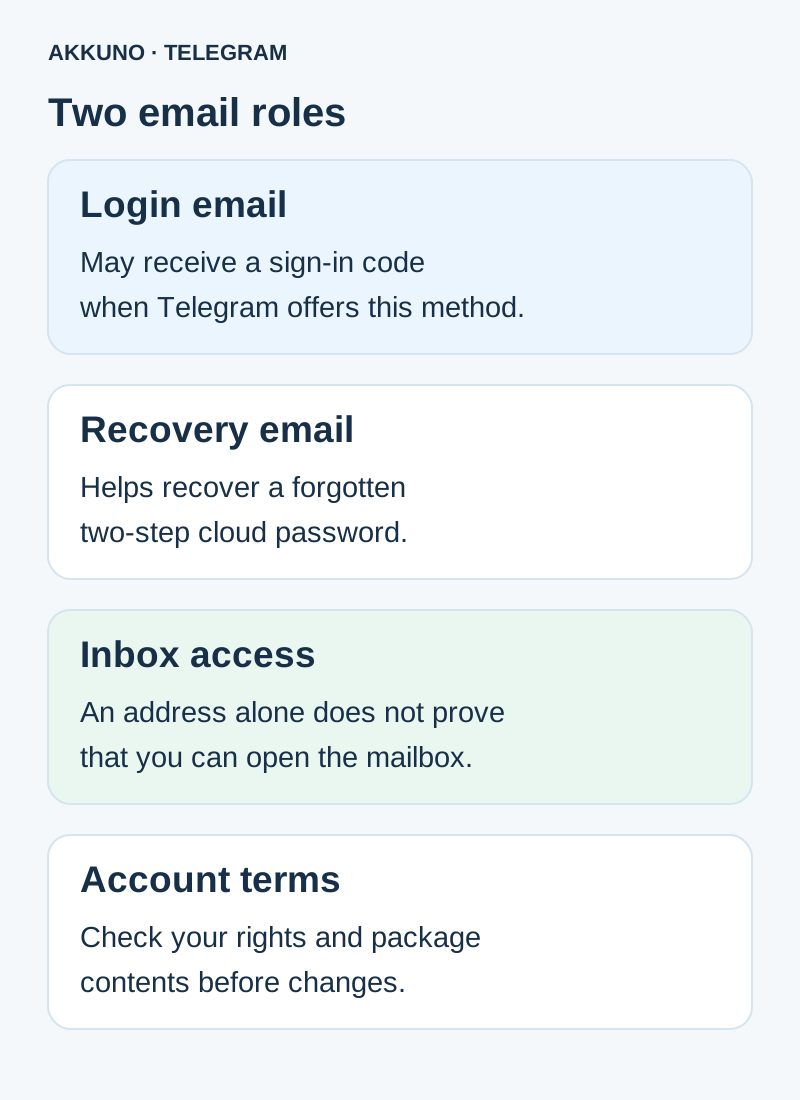
You may use one inbox you control for both roles or different addresses where settings permit. Either way, check each role separately. Do not assume that changing one setting automatically changes the other.
Which email is Telegram asking for?
If the app says it is sending a login code to an email address, it is confirming authorization for that particular attempt. Read the displayed or partially masked address and check whether you can access that inbox. Telegram may offer different methods depending on the account, client and circumstances; do not assume email can replace any other channel on demand.
If the app asks for the cloud password after the sign-in step and you start recovering it, the recovery code relates to the email previously configured for two-step verification. This is a separate process. Telegram’s API states that, outside an active session, email password recovery is available after successfully providing the login code and when a recovery address is configured.
An email containing a code and the cloud password itself are different pieces of information. Our separate guide explains the login code, Telegram password and local app lock.
What to check if an email does not arrive
- Make sure you opened the inbox associated with the displayed request. If the address is partly masked, compare the visible details without publishing the full address.
- Check the inbox, spam folder and mail-service filters. Confirm the mailbox works and you are authorized to use it.
- Return to Telegram’s screen and read the available actions and any timer. Avoid many repeated requests and do not assume another delivery method will automatically appear.
- If the account has a working session, preserve it. Do not delete the app or sign out merely to test this.
- If the issue persists, contact official Telegram support. Provide the device, client version, step and redacted message; do not share a code, password or session files.
If the code was sent to an unavailable Telegram session rather than email, see that guide. If the screen reports too many attempts, follow the waiting guidance.
Where to review settings before changing them
When you can access the account, inspect the privacy and two-step verification sections in your client. Telegram may display a login email separately from cloud-password settings. Labels and the ability to change them depend on the app version, account state and offered checks.
Before changing an address, confirm you are authorized to manage the setting and control the new inbox. Read warnings and complete confirmation if Telegram requires it. Do not remove a working setting just to experiment. If the current address is unavailable, follow the offered process or contact support: recovery method and timing are not universal.
Protect the mailbox itself with the available security options and maintain access to it. A recovery email alone does not guarantee account sign-in or replace Telegram’s other requirements.
What does an email in an account package mean?
An address in a description or delivery can serve different purposes. Before using it, establish what is actually included: a login address, password-recovery address or other information, and whether mailbox access is provided. Do not treat a line containing an address as proof that you can open the inbox, receive a code or change Telegram settings.
Check the selected option’s characteristics in the Telegram catalog. If the email’s role or terms are unclear, contact AKKUNO support with your order number and task. Do not send codes, cloud passwords, mailbox credentials or session files. A separate mailbox is not always needed: the answer depends on the particular package and workflow.
Frequently asked questions
Can one address serve both roles? Yes, the addresses may match, but the login and recovery settings remain separate.
Will the password recovery email restore all access without a login code? Do not count on it: Telegram describes separate conditions for 2FA recovery, including the login verification step outside a working session.
If an address is listed in the package, can I definitely open the inbox? No. Check the contents and access terms of the particular offer.
Can I change the email without risk? First preserve your working session, check your authority and access to the new inbox, and read Telegram’s warnings. Availability depends on the circumstances.
Sources and verification
- Telegram API. Email authorization. Checked 10 November 2026.
- Telegram API. Two-step password recovery. Checked 10 November 2026.
- Telegram Privacy Policy. Email and account security. Checked 10 November 2026.


